
June 2026

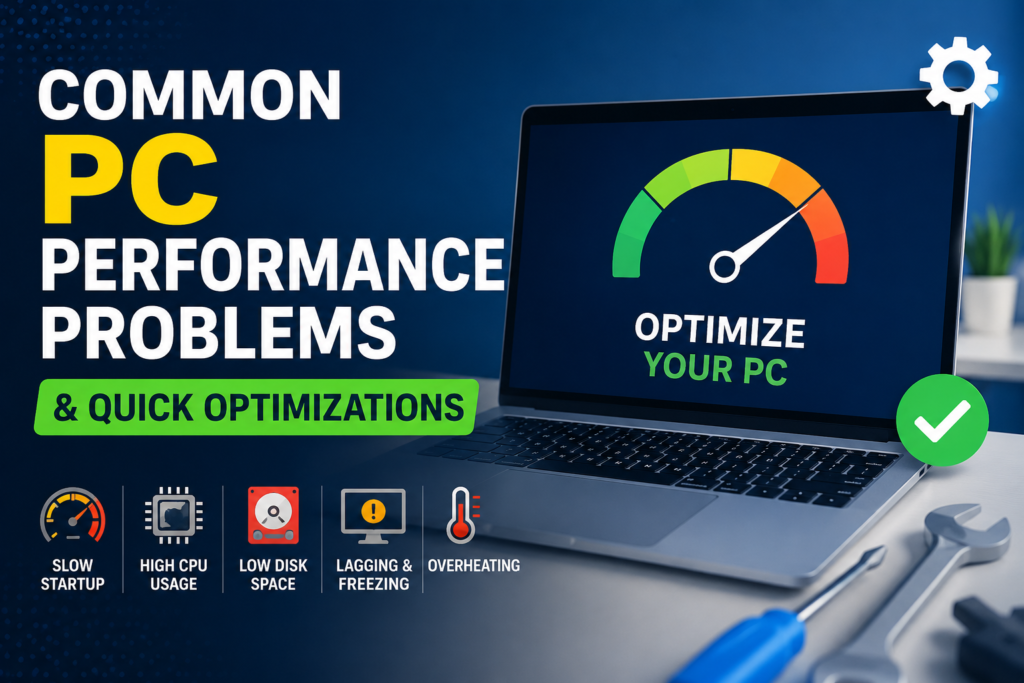
Common PC Performance Problems & Quick Optimizations

Over months of heavy use, even the fastest computers can begin to slow down, lag, or take several minutes to start up. This drop in performance is rarely caused by broken hardware components; instead, it is typically due to software clutter choking your processing resources. Use these three targeted optimizations to restore your PC’s speed. […]

Common PC Performance Problems & Quick Optimizations Read More »

How to Back Up Your Important Files

Hard drives fail, computers get stolen, and ransomware attacks can lock up your personal data instantly. If you do not maintain a secure, secondary backup duplicate of your data, you risk losing your family photos, tax documents, and creative projects forever. Implement the industry-standard 3-2-1 Backup Strategy to secure your digital footprint: Your Step-by-Step Implementation

How to Back Up Your Important Files Read More »

How to Uninstall Programs in Windows Completely

Simply dragging an app icon from your desktop into the Recycle Bin does not remove it from your computer. It leaves behind hundreds of registry entries, tracking files, and hidden storage caches that slowly clutter your system memory. Here is how to cleanly and completely uninstall software. The Standard Windows Uninstallation Method Deep Cleaning: Sweeping

How to Uninstall Programs in Windows Completely Read More »

How to Install Software Safely: The Complete Checklist

Installing new software can expand your computer’s capabilities, but it can also introduce hidden security risks. If you aren’t careful, a simple setup file can bundle unwanted adware, change your browser settings, or infect your system with malware. Follow this definitive checklist every time you install a new application to keep your PC fast and

How to Install Software Safely: The Complete Checklist Read More »